Measure the space
Enter the finished room dimensions and the fixture count or layout style you want to explore.
Built for real rooms and real framing
Light Layout Pro turns measured room, framing, and ceiling-item inputs into practical, clash-aware fixture layouts you can review before installation.
The remodel problem
Existing framing can turn a clean lighting grid into field changes, uneven spacing, and avoidable patching. Light Layout Pro helps you think through those conflicts while the layout is still easy to change.
The app works from the dimensions you provide. It models likely conflicts; it does not see through finished ceilings or confirm concealed conditions.
A practical workflow
Enter the finished room dimensions and the fixture count or layout style you want to explore.
Add measured framing, can diameter, safety buffer, and ceiling items with their sizes, positions, and coordination clearances.
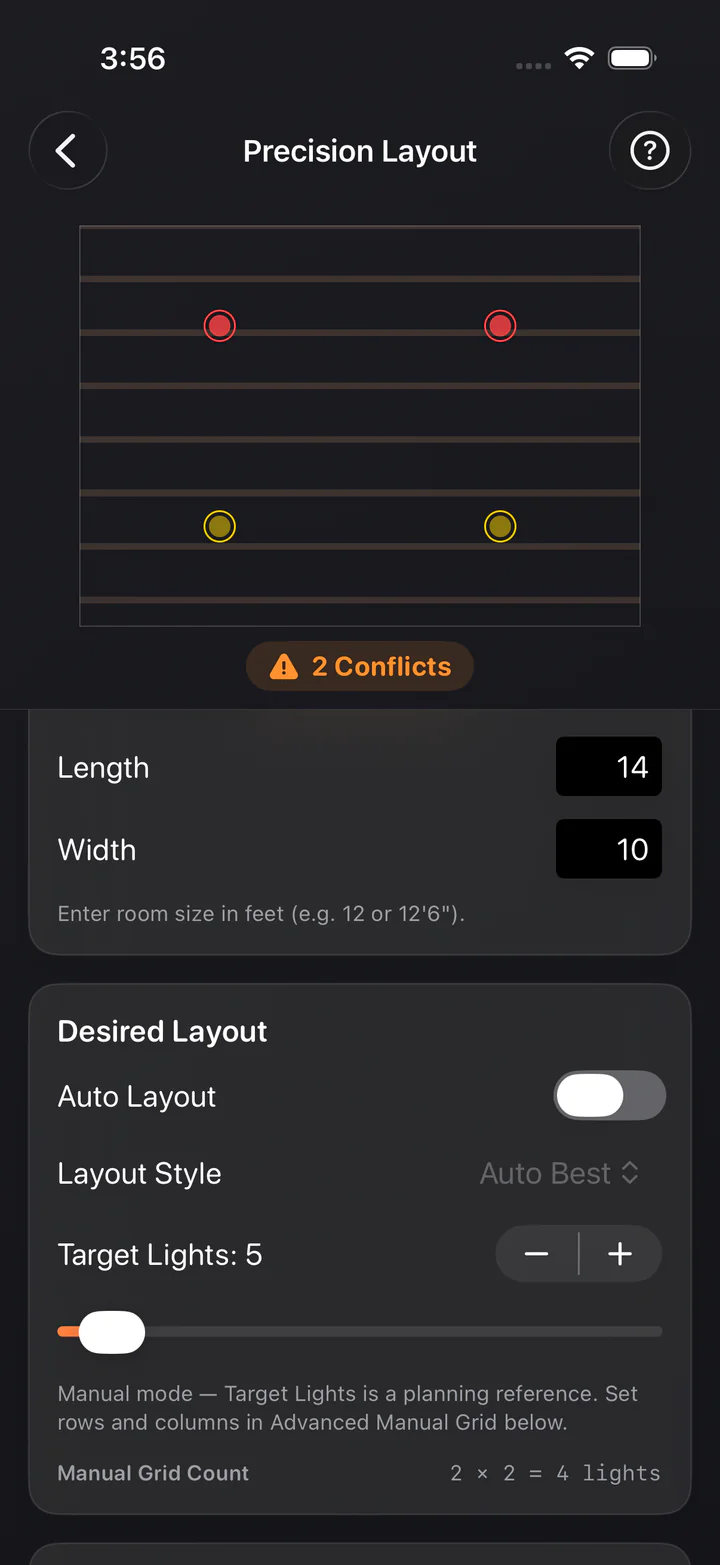
Compare centered layouts, see modeled clashes, and fine-tune fixture positions before work begins.
Keep layouts on your iPhone and share a result as text or an image when you are ready.
Precision Layout
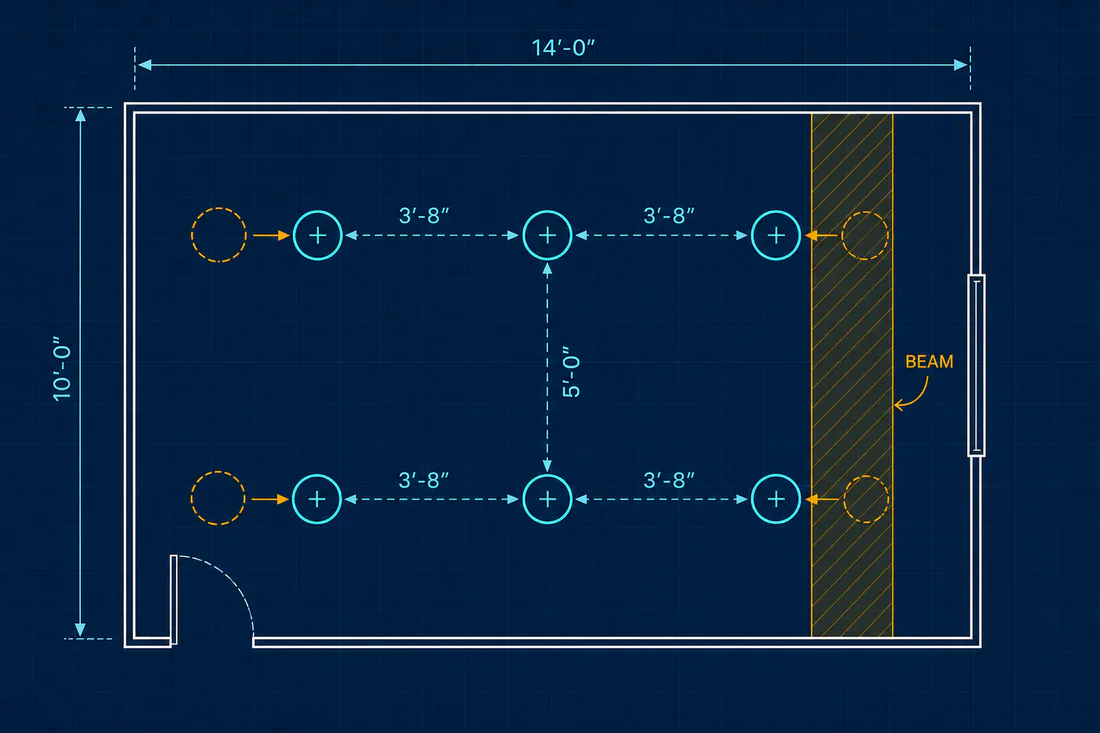
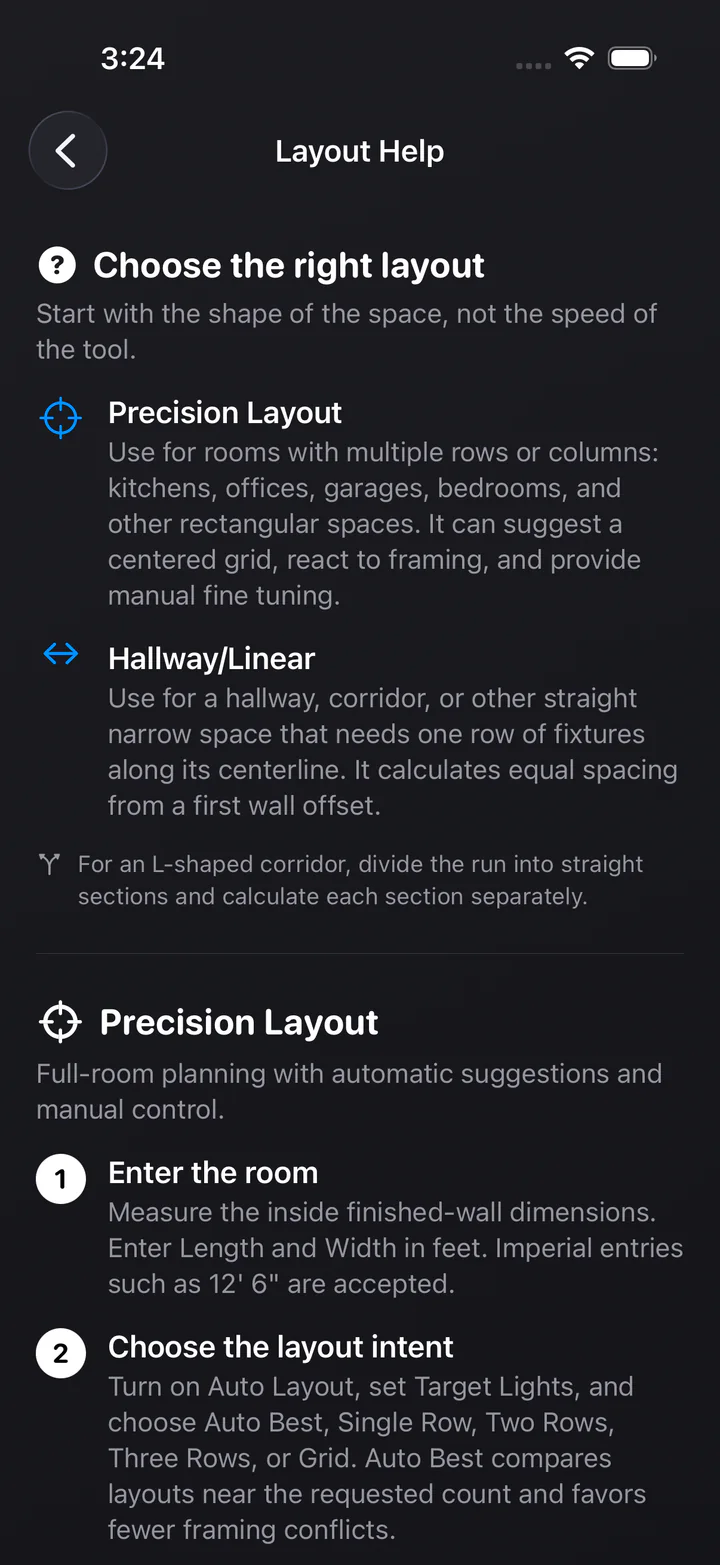
Set the room, target light count, layout style, wall offsets, and framing measurements. Compare automatic suggestions or move fixtures with spread and whole-layout shift when the real room calls for it. Add measured HVAC registers, return grilles, access panels, speakers, detectors, or other rectangular and round ceiling items.
Inside the app
Clear choices, measured inputs, and visual plans—without accounts, advertising, or tracking.
Hallway / Linear
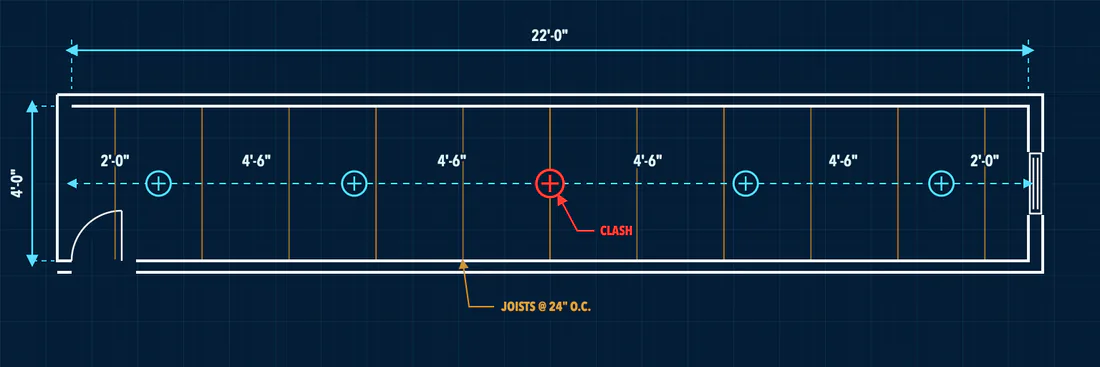
Plan a single row of fixtures along a hallway or corridor centerline, beginning from a defined wall offset and checking the run against the framing you enter.
Six free field tools
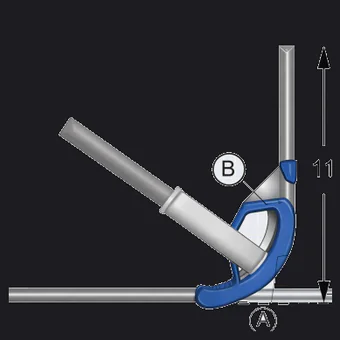
Bend geometry, tape-measure fractions, electrical math, and your own bender values—available without a subscription or account.
Offsets & saddles
Rise & roll
Large-radius sweeps
Your bender’s numbers
Tape-measure math
Ohm’s law & power
The field tools use geometry, arithmetic, or physics from the values you enter. Verify results against your bender, materials, plans, job specifications, and applicable local requirements.
What’s included
Precision Layout unlocks with one in-app purchase. Hallway / Linear, all six field tools, and the Field Reference stay free—no subscription, no account, and no ads.
Full-room plans with measured framing and ceiling items, can diameter, safety buffer, and modeled conflict feedback.
A centered single row for corridors and straight runs, with alternate offsets and nearby fixture counts through Auto Fit.
Layout methods, bend multipliers, Ohm’s law, and common trade conversions kept one tap away.
Private by design
No accounts. No analytics. No advertising. No tracking. Your rooms, framing measurements, and layouts never leave your device unless you choose to share them.

Available on the App Store
Light Layout Pro is available for iPhone and requires iOS 18.4 or later. Visit support for product questions or to report an issue.
Download on the App Store →